
📅
Nepali (BS) month billing
Set the rate for each BS month, add an optional fixed charge (for example street light) and choose which consumers pay it. Bills recalculate correctly.
बिजुलीको हिसाब, अब सजिलो!
Record meter readings, calculate every consumer's bill in Nepali (BS) months, track payments and dues, and give each consumer a private dashboard on their own phone.
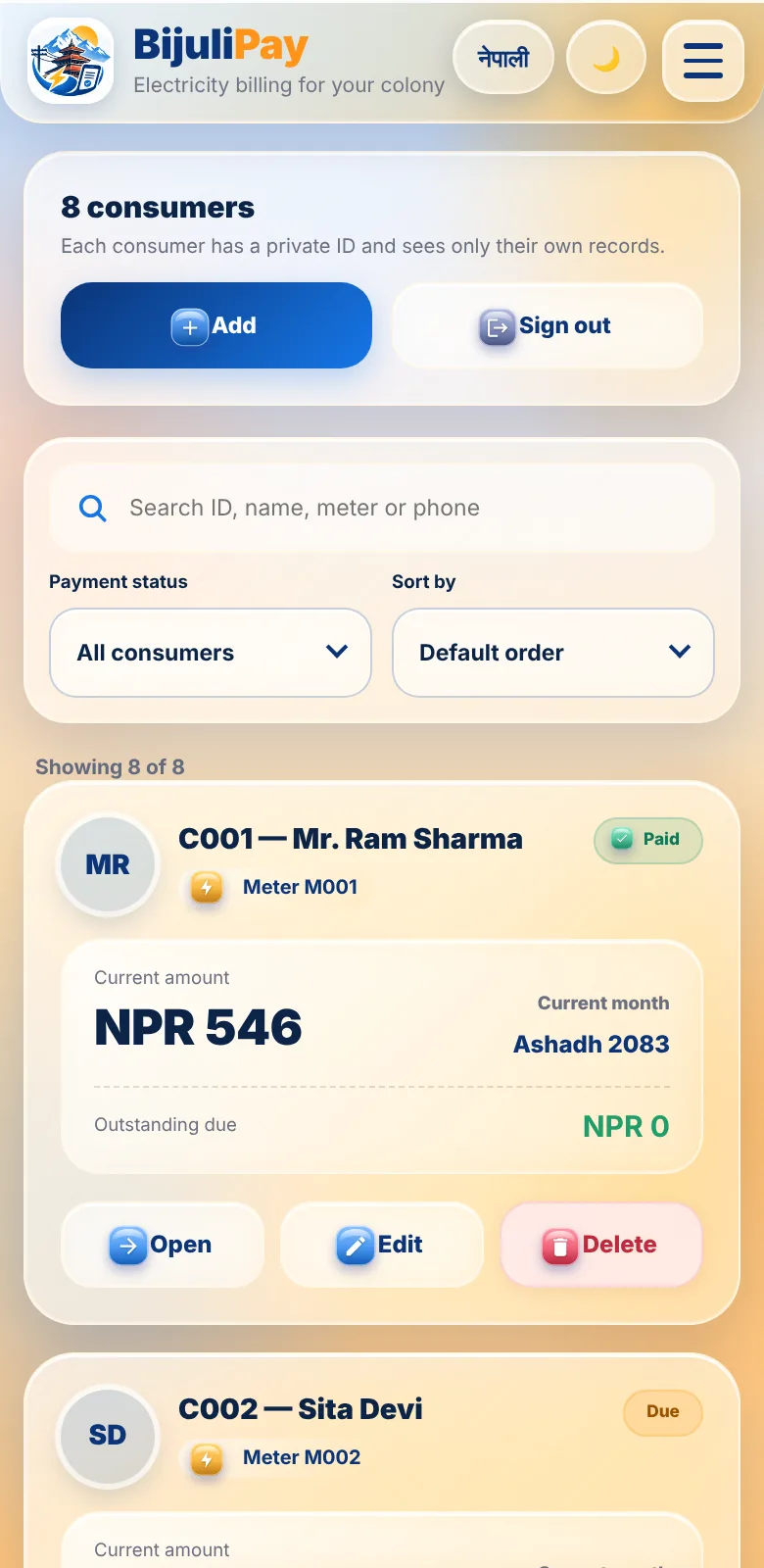
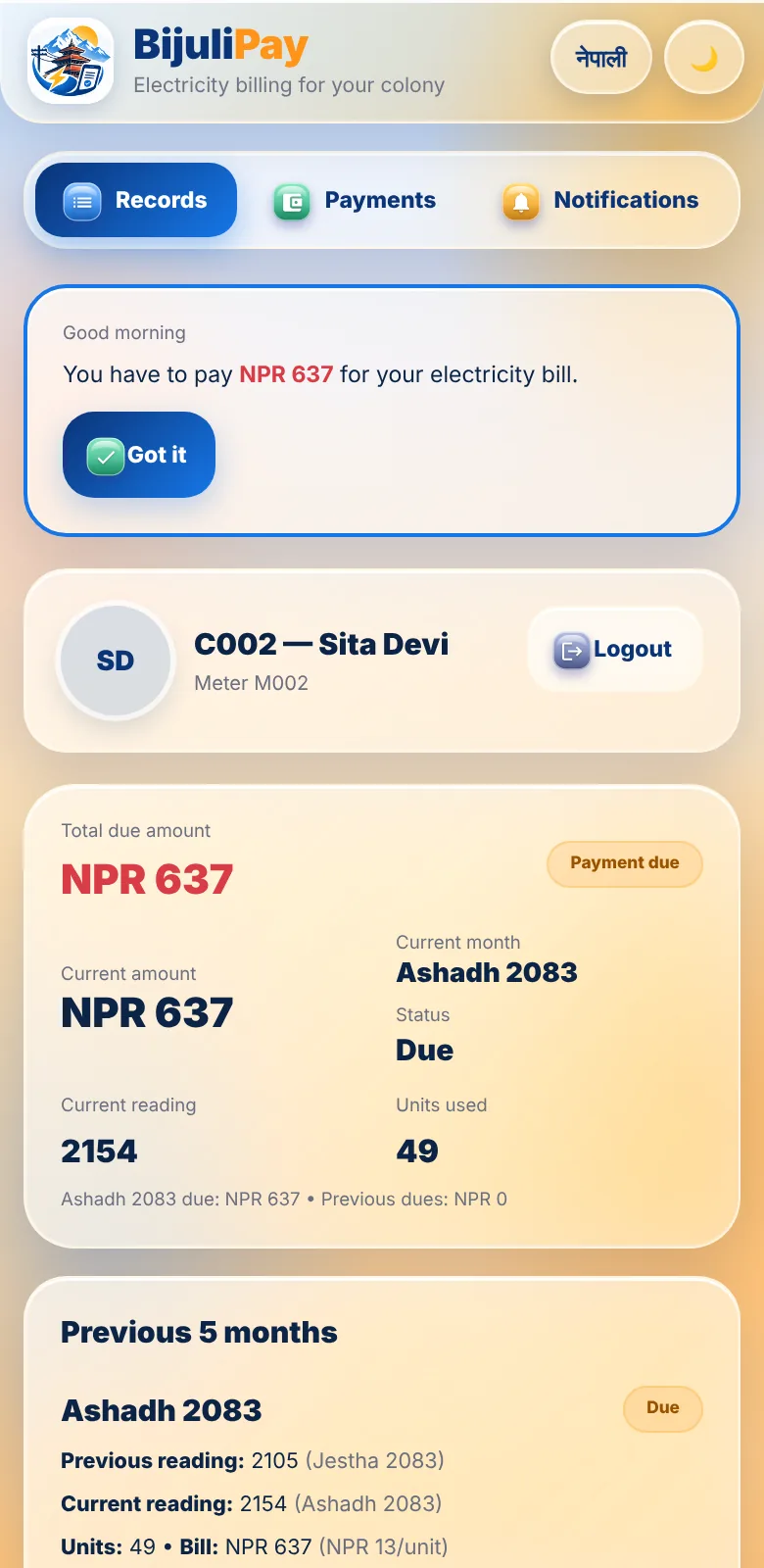
Replace the notebook, the calculator and the phone calls with one simple app.
Set the rate for each BS month, add an optional fixed charge (for example street light) and choose which consumers pay it. Bills recalculate correctly.
Enter the new reading and the app works out the units and the bill from the previous reading. Edit or remove a month if you made a mistake.
Each consumer sees only their own bill, units, history and notifications, in Nepali or English, in light or dark mode.
Record cash and QR payments, see what is paid and what is due, and let advance payments carry over to the next bill.
Send the due amount to a consumer any time. Notifications can arrive even when the app is closed.
Consumers create their account only from a link you generate: one link, one consumer, and it expires. Share one colony login link with everyone.
Stop password sharing. You can block, allow or remove a consumer's device whenever you need to.
Main meter records, notes, photos with a trash bin, and deleted records you can bring back. Nothing disappears by accident.
Every colony uses its own database account, so your consumers' data stays with you and other colonies cannot see it. Fingerprint login is supported on your phone.
Tap any screen to enlarge it.
Screens show sample names and numbers, not real consumers.
The setup is done once, with step-by-step instructions inside the app.
Follow the guided steps to create your own free database account and connect it. Your colony's data lives in your account.
Your colony is checked and approved before anyone can log in, so the service stays safe and private.
Add your consumers, then send each one an invitation link, or share one colony login link.
Enter readings every month, record payments, and let consumers check their own bills.
No. They open their link in the phone browser. They can also add BijuliPay to their home screen so it opens like an app.
Only you and your own consumers. Each consumer sees only their own records, and every colony uses its own database account.
Yes. Bills use Nepali (BS) months, and the whole app can be switched between English and Nepali.
Each consumer can use one phone and one laptop. If they get a new phone, you can allow it or send them a new invitation link.
Nothing changes. The installed app opens straight into BijuliPay. This page is only shown when someone visits the website in a browser.
Message us and we will explain the options for your colony.
Create your colony now, or message us if you would like help getting started.